
-
-
Products
- New Products
- AV over IP Solutions
- Unified Communication & Collaboration Solutions
- Digital Video Processing Solutions
- Control Systems & Software
- Matrix Switchers
- HDMI Switchers
- HDMI Distribution Amplifiers
- Wireless AV Solutions
- HDMI over CAT6 Extenders
- HDMI Fixers & Boosters
- HDMI Cables
- Active Optical HDMI Fiber Cables
- Audio Solutions
- Accessories
-
Key Digital AV Over IP Systems
- AV Over IP Systems Overview
- AV Over IP Products
- DIY AV Over IP Systems
- Control Apps and Software
-
-
Markets & Solutions
+
- KD University
-
-
Press Resources
- Press Releases
- Key Digital in the News
- Hires Artwork
-
Sales Resources
- Market Case Studies
- Video Resources
- Sales & Tech Presentations
-
-
About Us
+
-
Technology & Standards
- Proprietary Technologies
- Compliance & Licensing
- Awards
-
Community
- Partners
- Sponsorships
- Internships
-
- Contact
Unified Communication & Collaboration Solutions
Want flexible content sharing for enhanced communication? Choose our UCC solutions. Presentation Switchers, Wall Plugin Plates, and Webcams.
Planning a system with these products?
Presentation Switchers and Tiling Processors
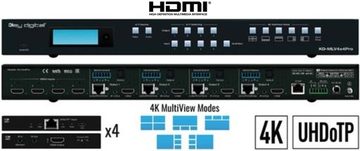
KD-MLV4x4Pro
Multi-View Tiling Processor Matrix with 4 HDMI Inputs and 4 Outputs
View details →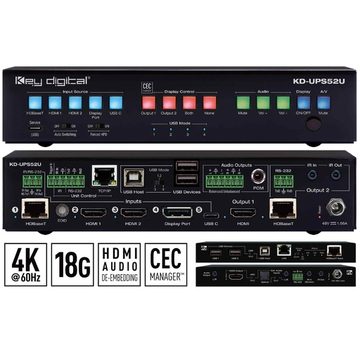
KD-UPS52U
5 Input 2 Mirrored Output Multi-Format Presentation & Conferencing Switch
View details →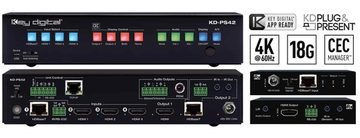
KD-PS42
4 Input 2 Mirrored Output Presentation Switch
View details →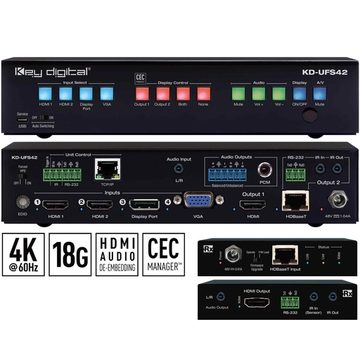
KD-UFS42
4 Input 2 Mirrored Output Multi-Format Presentation Switch
View details →
Not sure which model?
Get free design help
Tell us about the rooms and sources and we will spec it for you.
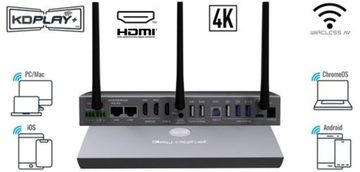
KD-BYOD4KHUB
BYOD & BYOM Wireless Presentation & Conferencing Gateway
View details →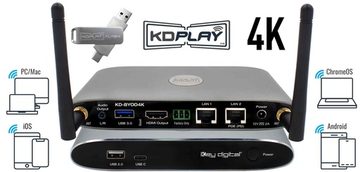
KD-BYOD4K
Wireless Presentation Gateway
View details →4K 18G Switchers and Extender Transmitters
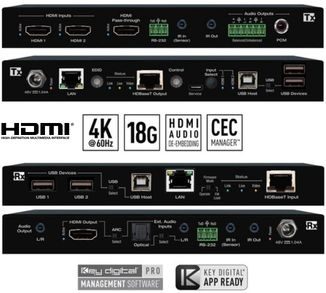
KD-XPS22U
HDMI over 100m CAT6 HDBaseT Extender and Switcher Set. Consists of 1 unit KD-PS22UTx & 1 unit KD-X100MRx
View details →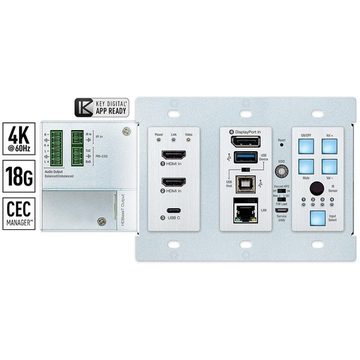
KD-X4x1WUTx
4 Input Multi-format Switcher and USB 2.0 Wall Plate 100m HDBaseT Transmitter
View details →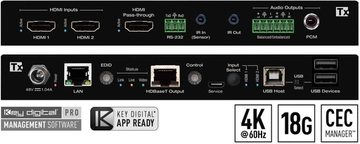
KD-PS22UTx
2 Input HDMI Switcher and USB 2.0 100m HDBaseT Transmitter
View details →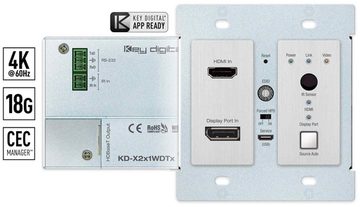
KD-X2x1WDTx
HDMI Display Port over 40m CAT6 HDBaseT Wall Plate Transmitter
View details →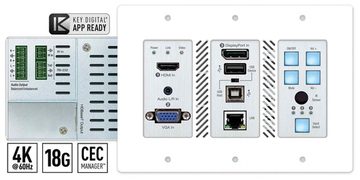
KD-X3x1WUTx
3 Input Multi-format Switcher and USB 2.0 Wall Plate 100m HDBaseT Transmitter
View details →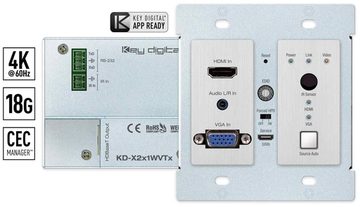
KD-X2x1WVTx
HDMI VGA over 40m CAT6 HDBaseT Wall Plate Transmitter
View details →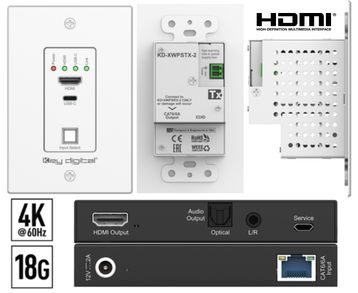
KD-XWPS-2
HDMI USB-C over 50m CAT6 Wall Plate Extender Kit (Tx + Rx) with Audio De-Embed
View details →Presentation Solutions Accessories
KD-AMP220
Compact Digital Amplifier and Pre-Amp
View details →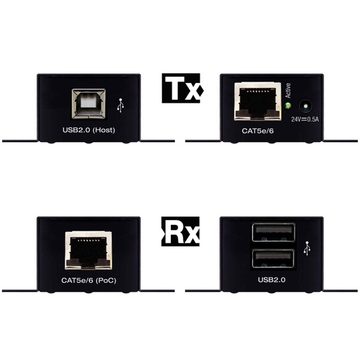
KD-XUSB2
USB 2.0 over CAT5e/6 Extender
View details →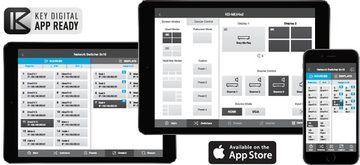
KD-App
iOS app for free control of Key Digital app-ready devices and systems via network
View details →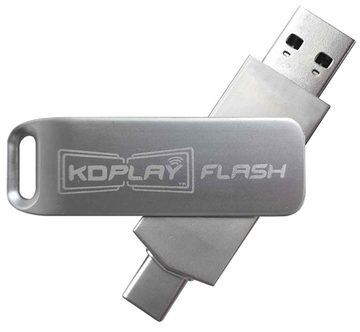
KD-BYODFD
USB Auto-Launcher for KD-BYOD4K, KD-BYOD4KHub
View details →
KD-VCS500
VGA to HDMI Converter Scaler
View details →4K 18G HDBT PoH Receivers
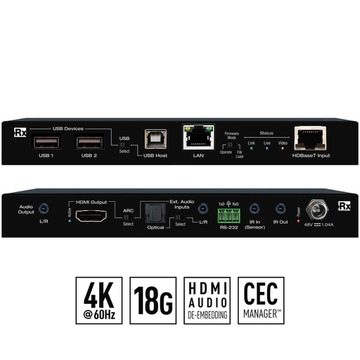
KD-X100MRx
HDMI over 100m CAT6 HDBaseT Receiver for UCC Solutions
View details →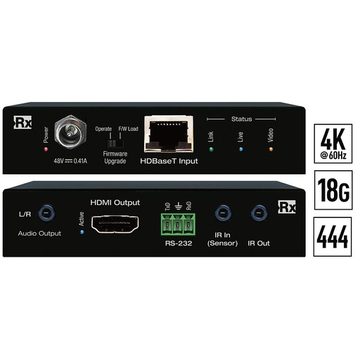
KD-X40MRx
HDMI over 40m CAT6 HDBaseT Receiver for UCC Solutions
View details →Button Keypads with Open API
Choosing a UC&C (Unified Communication) Solution
Unified communication and collaboration (UC&C) rooms need to switch presenters quickly, share content wirelessly, and connect USB cameras and microphones to any laptop or room PC for video calls. Key Digital UC&C solutions bring presentation switching, wireless BYOD and BYOM sharing, and USB extension together so a huddle room or conference room just works.
For wired presenting, multi-format presentation switchers such as the KD-UPS52U, KD-PS42, and KD-UFS42 take HDMI, USB-C, and legacy sources to mirrored outputs. For wireless sharing and BYOM video calls, the KD-BYOD4KHUB and KD-BYOD4K gateways let guests present and use the room camera from their own device. HDBaseT wall-plate transmitters (KD-X4x1WUTx, KD-PS22UTx, KD-X3x1WUTx) add switching plus USB 2.0 over a single cable to receivers like the KD-X100MRx.
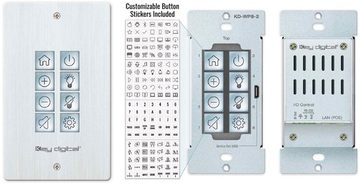
Choose by how people share (wired, wireless, or both), whether the room runs video calls that need USB camera and mic extension, and how many inputs the table needs. Add a KD-WP8-3 keypad for simple control. An authorized Key Digital dealer can design the UC&C room around your conferencing platform.
Frequently asked questions
What is a UC&C (unified communication and collaboration) solution?
It is the AV that makes a meeting room work for both in-room presenting and video calls: presentation switching, wireless content sharing, and USB extension for cameras and microphones. Key Digital brings these together for huddle and conference rooms.
What is BYOD and BYOM?
BYOD (bring your own device) lets a guest present from their own laptop or phone. BYOM (bring your own meeting) also routes the room camera and microphone to that device for video calls. The Key Digital KD-BYOD4KHUB supports both wirelessly.
How do I connect a USB camera to any laptop in the room?
Key Digital HDBaseT wall-plate transmitters and receivers extend USB 2.0 alongside HDMI, so a room camera and microphone can reach the presenter's laptop or the room PC over a single Category cable.
Which presentation switcher do I need?
Count the sources and formats at the table. The KD-PS42 and KD-UFS42 handle four inputs to mirrored outputs, and the KD-UPS52U handles five inputs with USB, for larger tables. A dealer can match the switcher to your room.
Can guests present wirelessly?
Yes. The KD-BYOD4K and KD-BYOD4KHUB wireless gateways let guests share content from their own device without cables, and the Hub adds BYOM so they can also run a video call using the room's camera and audio.