
KD-PS42
4-input presentation switcher
4K up to 40 m or 1080p up to 70 m over one CAT cable. KD-X40MRx receiver included.
View KD-PS42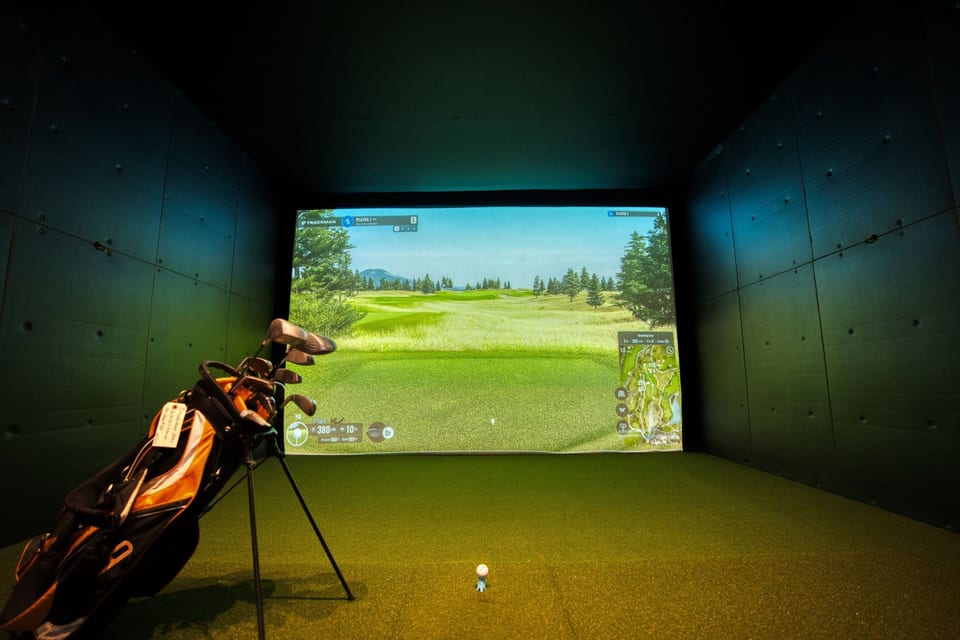
Key Digital for golf simulators
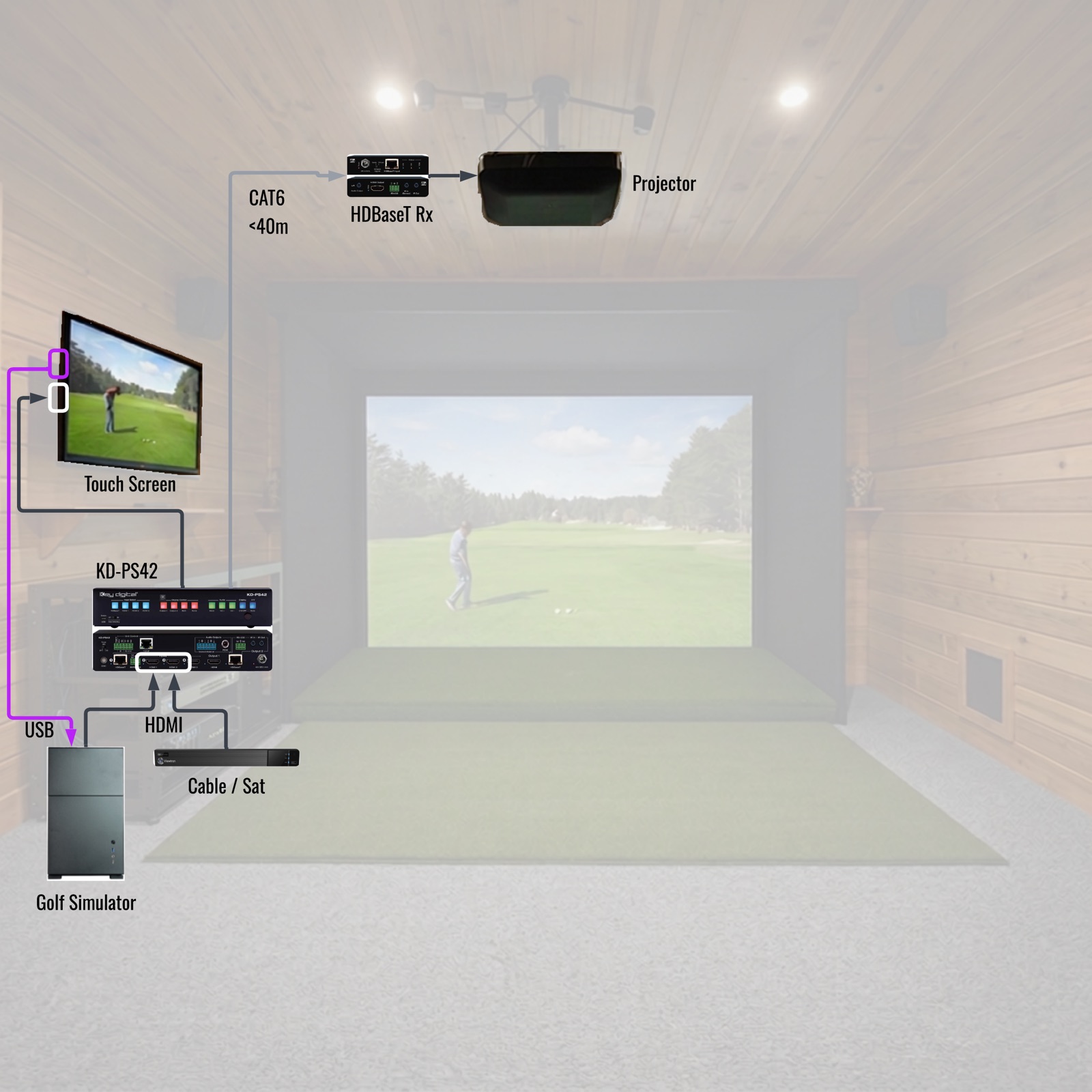
The launch monitor measures the shot. Key Digital sends the picture from the sim PC in the closet to the projector in 4K over one CAT cable, and mirrors it to a lounge TV.
01 · Projector
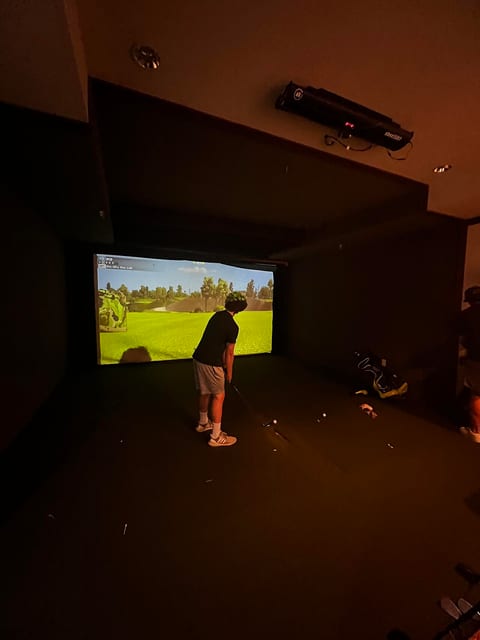
Mount the projector where it fills the screen without the golfer casting a shadow, then plan how the picture reaches the ceiling. A passive HDMI cable is reliable for roughly 15 to 20 feet at 4K; longer routes need fiber HDMI or HDBaseT.
Room size at a glance
Sources: TruGolf, TrackMan, Foresight Sports
02 · Room
Plan the space before you buy the hardware. The room decides where the launch monitor, the screen and the projector can go, and how far the video has to travel.
03 · Second screen
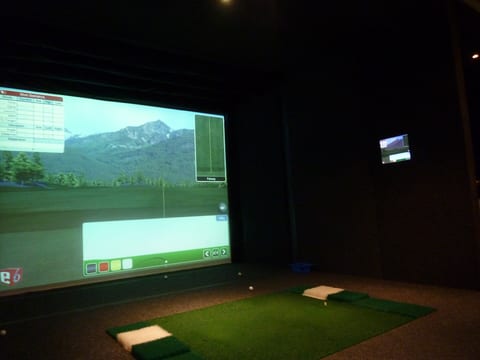
Show the round on a lounge or bar TV as well as the projector. The KD-PS42 and KD-UPS52U mirror their HDMI and HDBaseT outputs, so both displays show the same picture with no splitter.
04 · Wiring
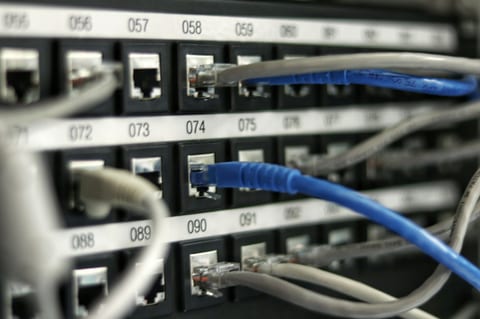
Decide where the sim PC lives first, because that sets the length of every cable. One CAT cable then runs to the projector, and the receiver there is powered over that same cable by the switcher.
05 · Venues
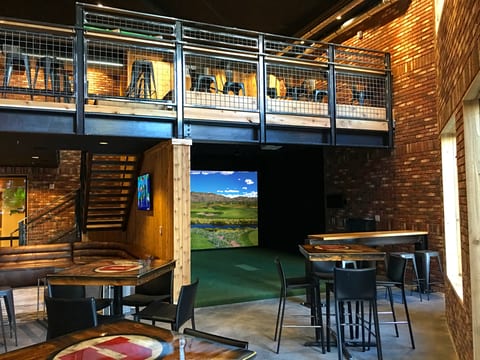
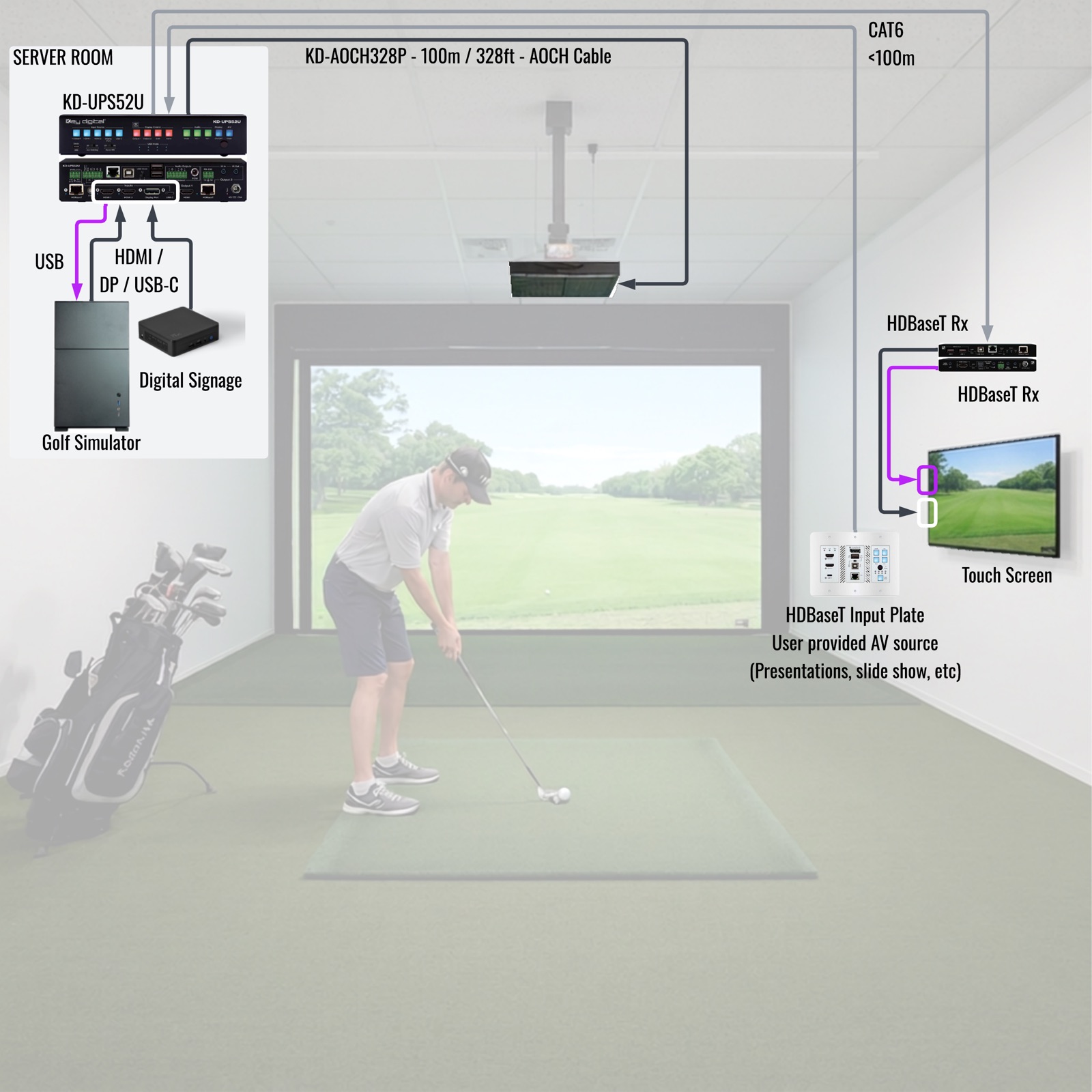
Commercial venues keep the PCs together in an equipment room and give every bay the same switcher, guest input plate and control options. A venue with many bays can standardize on one set of parts instead of reworking the design for each room.
06 · System design
Send the Key Digital System Design Group (SDG) a project brief for the bay or venue, and the team works through the project with you: product choices, block diagrams and pictures for the full system. SDG is free for authorized Key Digital dealers and resellers, backed by 50+ years of combined experience. Two example golf simulator designs:
4-input presentation switcher
4K up to 40 m or 1080p up to 70 m over one CAT cable. KD-X40MRx receiver included.
View KD-PS425-input presentation switcher with USB routing
4K up to 100 m, or 1080p up to 150 m in long range mode. KD-X100MRx receiver included.
View KD-UPS52UAn input in the bay
KD-X2x1WDTx (HDMI and DisplayPort) pairs with the KD-PS42. KD-X4x1WUTx pairs with the KD-UPS52U and also extends USB 2.0, IR and RS-232. Sold separately; powered over the cable.
Send it to a Key Digital engineer. We reply within one business day.
Thanks. A Key Digital engineer will reply to your email within one business day.